From your first screenshot.
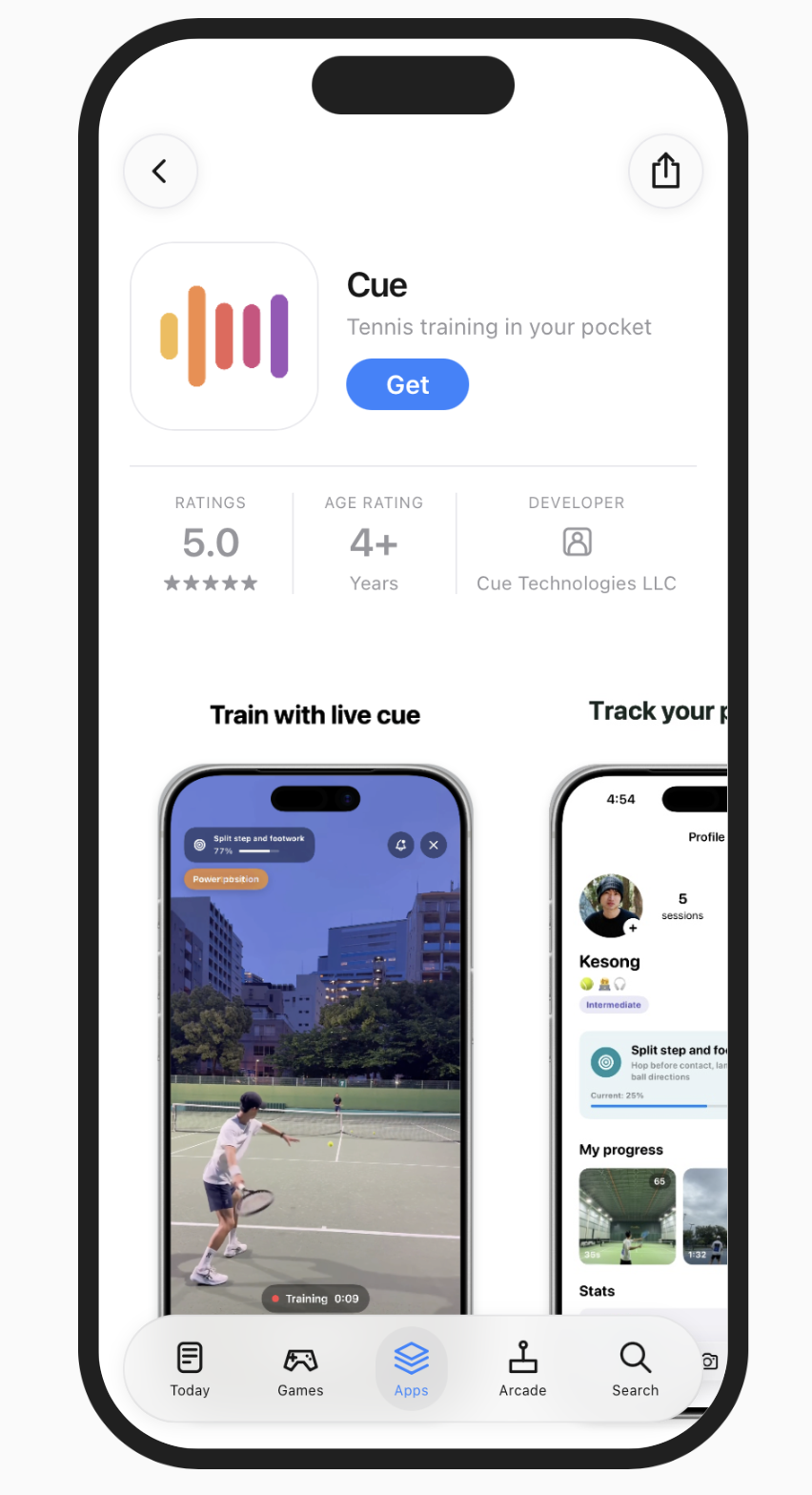
To your next App Store launch.
Bring your app’s story to life in three simple steps.
- STEP 1
Drop it in.
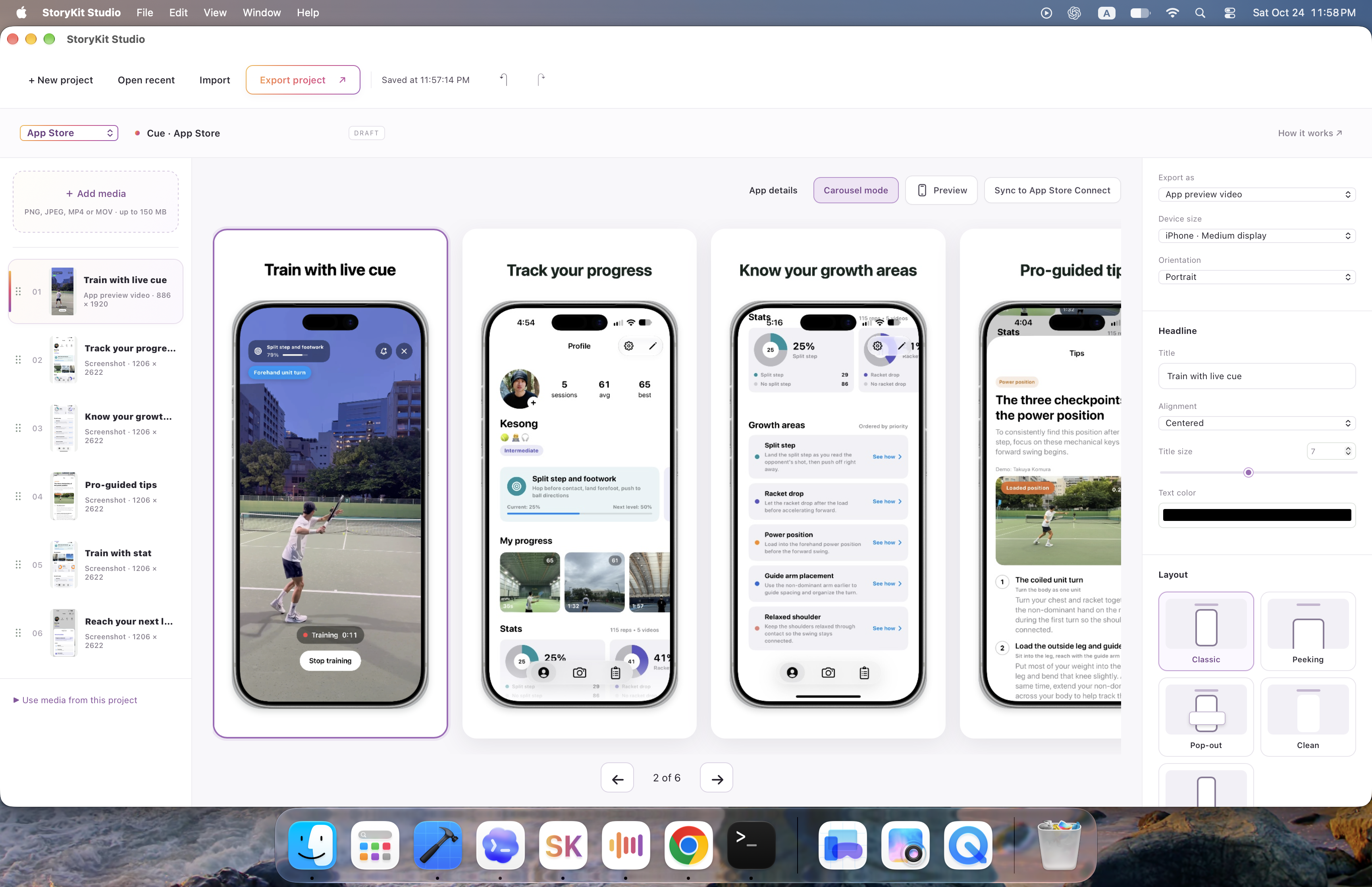
Add your screenshots and videos. Bring your favorite product moments into one workspace.
- STEP 2
Make it yours.
Pick a frame. Add a headline. Fine-tune your colors and layout, then preview your screenshots together.
- STEP 3
One click. In sync.
Sync to App Store Connect. Connect your account and choose your app, then send your finished screenshots and previews with a click.